How it works
Before, during and after the khutba, in a few words.
What you need
- The mosque's camera, already facing the minbar.
- The mixing desk, for the sound of the imam's microphone.
- A computer at the mosque, or a small dedicated box. Sadā runs on it and handles the rest.
During the khutba
The stream starts when three conditions are met: it is Jumu'a time according to Mawaqit, the speaker is at the minbar, and his voice has been heard for about twenty seconds. No false starts.
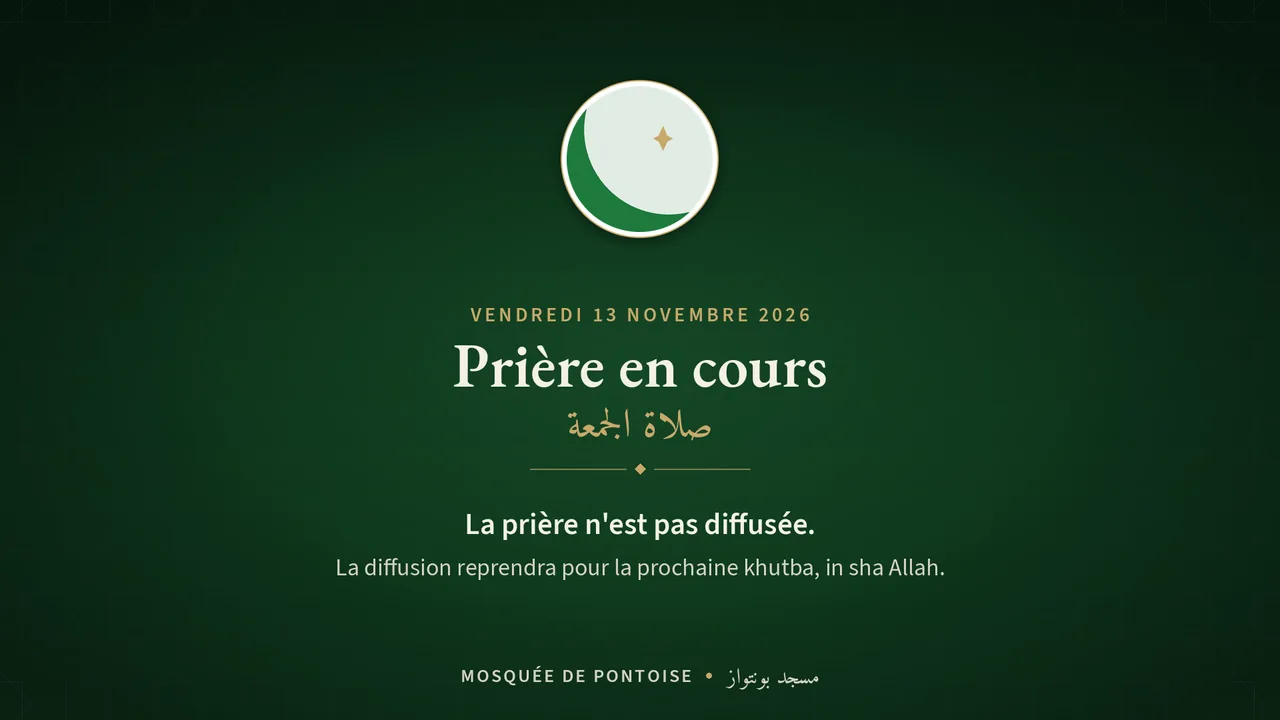
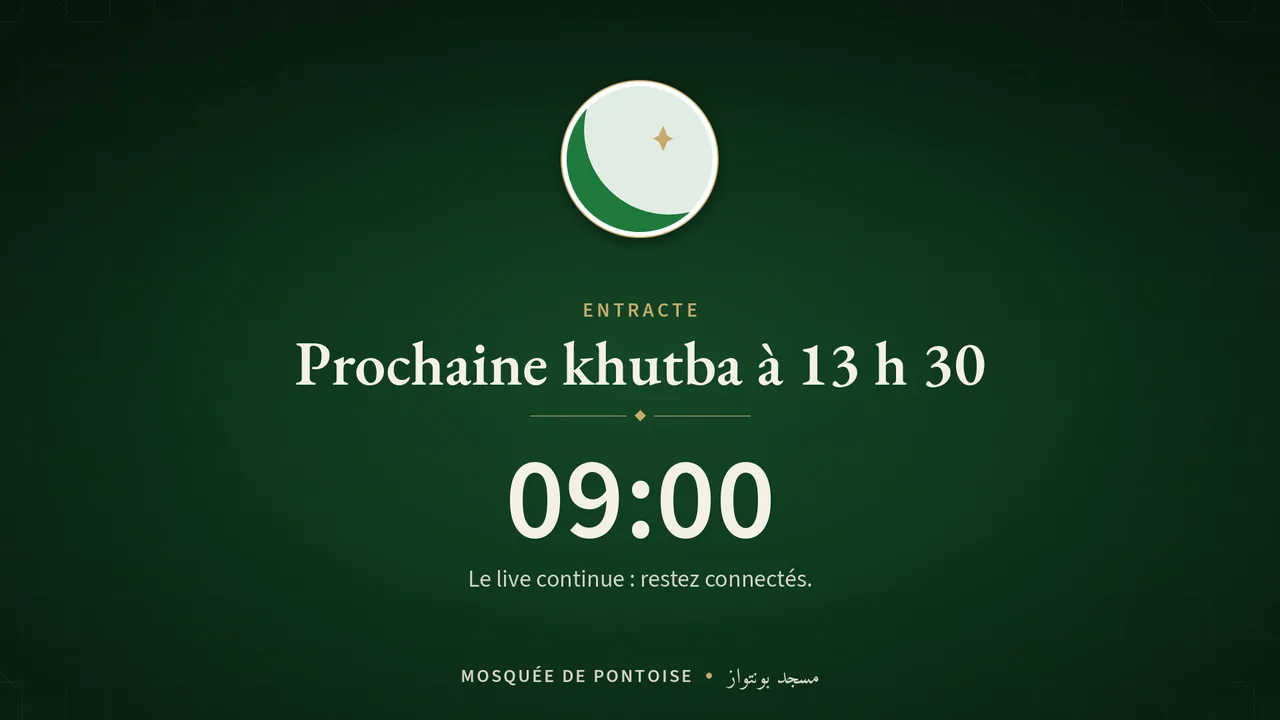
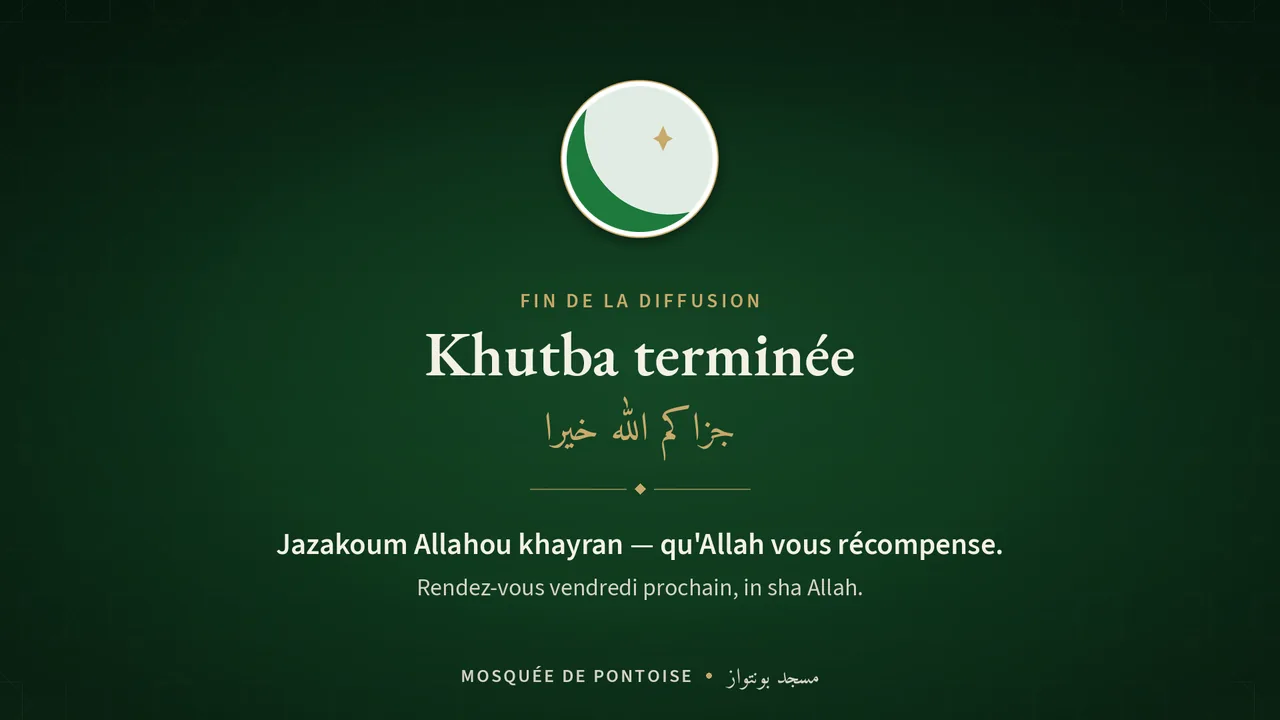
At the iqama, the screen switches to “Prayer in progress”: the prayer is not broadcast. Mosques with two Jumu'a keep a single stream, with a waiting screen in between. After the last one, the stream stops.
The imam or a designated person can always take over from their phone: extend, stop or cancel.
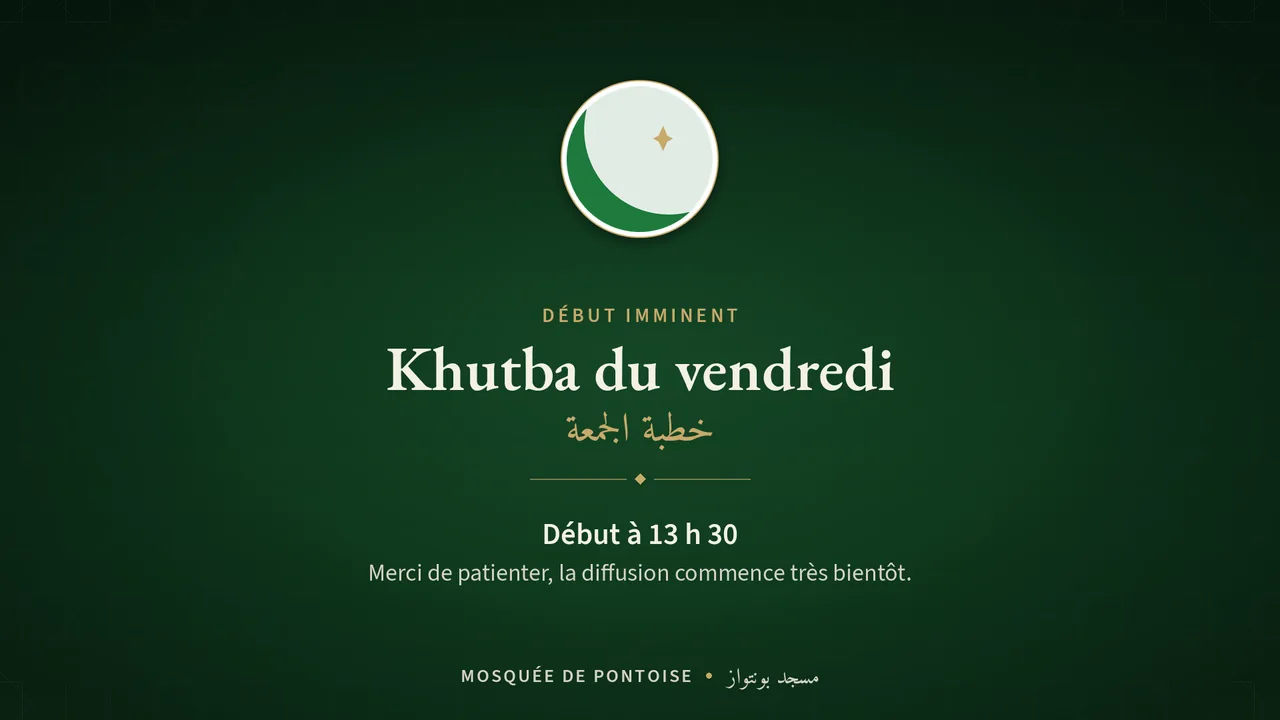
The screens follow one another on their own, in your mosque's name. Here are the ones Sadā shows, as they are:
After the prayer
- The transcript of the khutba, in Arabic and French.
- The verses quoted, found in the Qur'an with the Hamidullah translation.
- A summary and the imam's exact quotes.
- Short clips in vertical format, subtitled in French.
None of this is published until the imam or a designated person has approved it.
Here is what Sadā produced on its own from a real khutba, before approval:
فلا تخشوا المستقبل
Ne craignez donc pas l'avenir,
ولا تيأسوا أبدا من فرج الله
et ne désespérez jamais du secours d'Allah.
Surah At-Talaq · 65:3 · Detected
إن الله بالغ أمره قد جعل الله لكل شيء قدرا
« Allah atteint ce qu'Il Se propose, et Allah a assigné une mesure à chaque chose. »
Translation : Muhammad Hamidullah
Sadā's actual output: the word being spoken turns gold, then the verse appears with its translation.